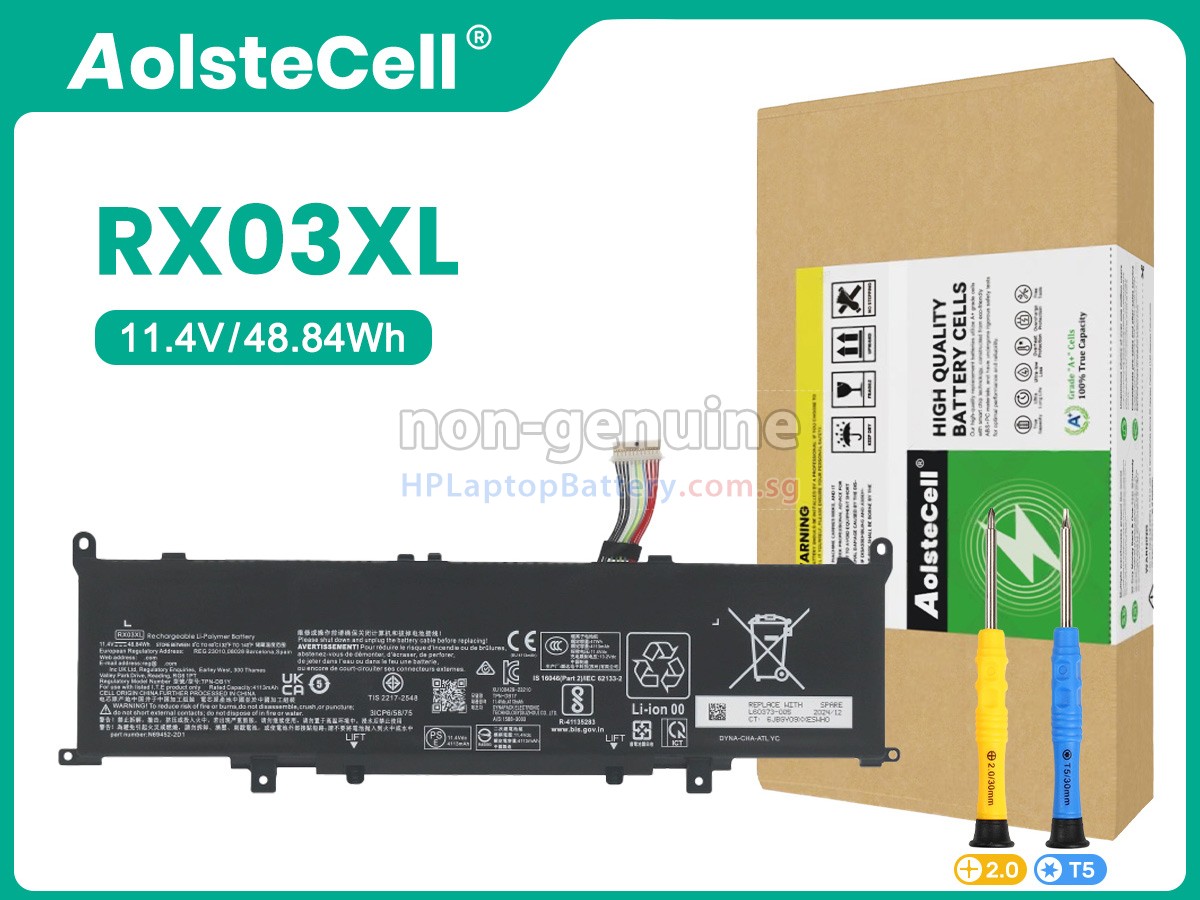
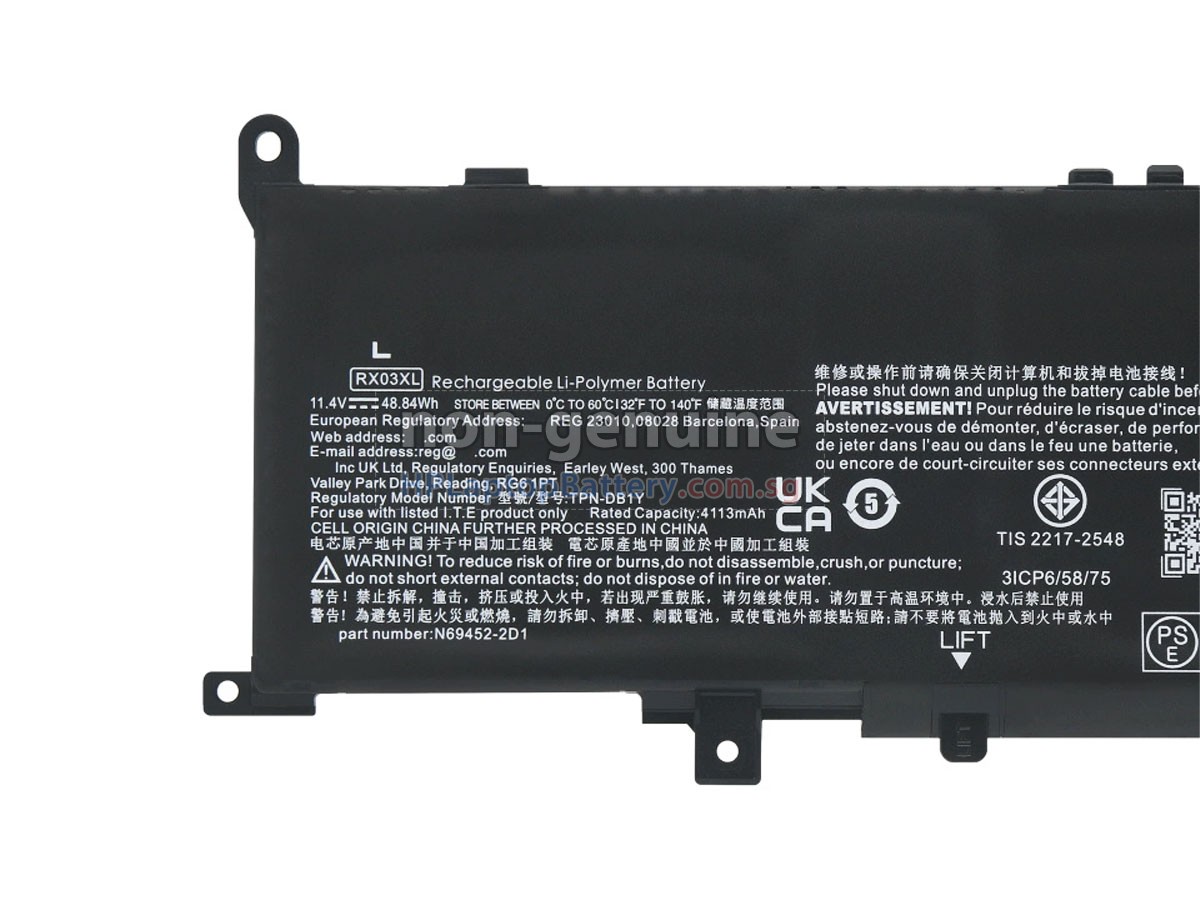
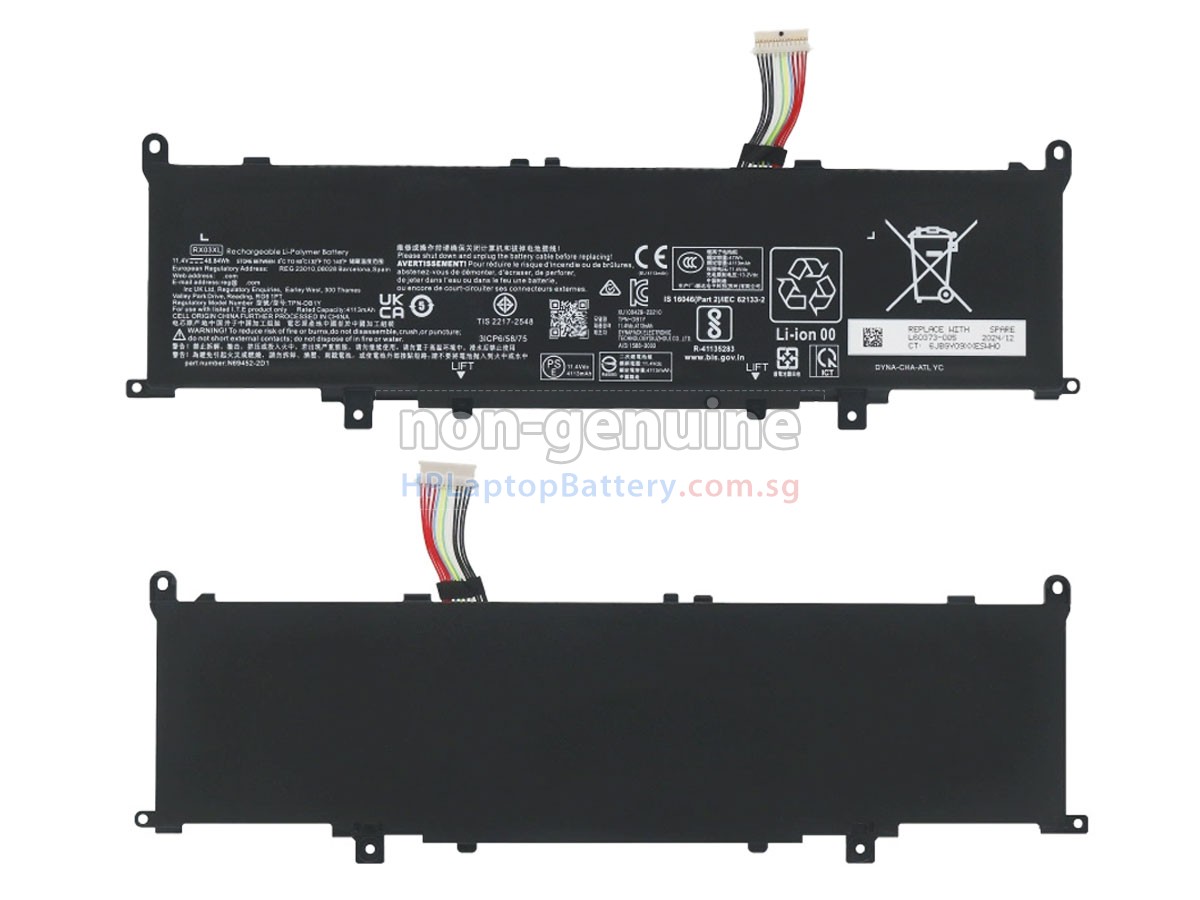
High Quality Battery for HP EliteBook 645 G11 8Z3M9AV (48.84Wh, 3 cells)

Product Larger Images
Compatible HP Battery Part Number
- N69452-AC1
- N69453-271
- RX03048XL
- RX03056XL
- TPN-DB1Y
- 996QA254H
- N69453-AC1
- HSTNN-AB1G
- N70706-005
- TPN-IB1C
- N69452-171
- N70705-005
- N69452-B71
- TPN-DB1Z
- HSTNN-OB3R
- HSTNN-WB0H
- N69452-2D1
- RX03XL
- N69453-CF1
- HSTNN-OB3Q
Compatible HP Laptop Model Name
- EliteBook 645 G11 8Z3M9AV
- EliteBook 630 G11 900X4AV
- EliteBook 630 G11 900X5AV
- EliteBook 630 G11 900Y0AV
- EliteBook 640 G11 901D0AV
- EliteBook 640 G11 901D1AV
- EliteBook 640 G11 901D3AV
- EliteBook 640 G11 901D4AV
- EliteBook 640 G11 901D8AV
- EliteBook 640 G11 901F1AV
- EliteBook 640 G11 901F2AV
- EliteBook 645 G11 8Z3M4AV
- EliteBook 645 G11 8Z3M5AV
- EliteBook 645 G11 8Z3M7AV
- EliteBook 660 G11 902D7AV
- EliteBook 660 G11 902F0AV
- EliteBook 660 G11 902F1AV
- EliteBook 660 G11 902F3AV
- EliteBook 660 G11 902F7AV
- EliteBook 660 G11 902G0AV
- EliteBook 660 G11 902G5AV
- ProBook 445 G11 8Z9P5AV
- ProBook 460 G11
- ProBook 465 G11 901H3AV
- ProBook 465 G11 901H5AV
Shipping Methods
Payment Methods
| We Accept Payment Methods | |
| PayPal |  Payments by PayPal, NO PayPal Account required. |
| PayNow |   You can use the above Bank App to scan the QR Code for payment. |
| GrabPay |  You will be redirected to Grab website, log into your account for payment. |
Warranty
1-Year Warranty
All our high quality replacement batteries for HP EliteBook 645 G11 8Z3M9AV notebook come with a 1-year warranty. Warranty is applicable if the buyer has installed the battery properly in the device and has treated the battery correctly.
30-Day Money Back Guarantee
Our goal is to turn customer satisfaction into ‘Complete Customer Satisfaction’. That's why we offer you a 30-day money back guarantee, on top of our warranty and RMA procedure for defects!
Please note: in order to qualify to get your money back, you must first contact us and await instructions before sending back your product.
Returns
If you have a problem with one battery which bought from us, please contact us first. We will process your request and try to find a solution for your problem. If the problem cannot be fixed by our technical support engineer, we will generate an RMA number (Return Material Authorization) for you. If inspection concludes that the returned battery is defective, a new battery will be shipped out without extra charge.
Please note: we cannot process returned batteries if you have not yet received an RMA number.
FAQs
A: First, find out the part number of your old battery or the model name of your laptop (e.g. 'HP EliteBook 645 G11 8Z3M9AV') and match with our product compatibility table. Second, please compare the old battery with our product images to make sure their shapes are the same. Lastly, check the voltage (rating) is the same as the old one. For more details please click How to find one correct battery for my laptop?
A: 100% OEM compatible to ensure compliance with your original HP EliteBook 645 G11 8Z3M9AV battery specifications (the same size, high quality). All of our laptop batteries for HP EliteBook 645 G11 8Z3M9AV have passed international certifications (CE, UL, ROHS, ISO9001 / 9002).
A: New HP EliteBook 645 G11 8Z3M9AV battery pack is usually shipped in a partially charged state. Please discharge your new HP EliteBook 645 G11 8Z3M9AV battery pack to 10%-20% and charge it for 3-5 times to fully activate the battery to the maximum rated capacity. In the using process, do not use it less than 20% of the electricity before charging. In addition, if the battery is not used for a long time, please charge it once a month, and keep the remaining power in about 50% then store in a dry and cool environment.
A: 1. Turn your HP laptop over.
2. Find the laptop battery release button lock for your laptop.
3. Now your HP EliteBook 645 G11 8Z3M9AV laptop battery is unlocked, locate the battery release button.
4. Press the laptop battery release button, gently pull the battery out of the laptop.
5. Now your EliteBook 645 G11 8Z3M9AV battery has been removed, please install the replacement HP EliteBook 645 G11 8Z3M9AV battery.
6. Insert the battery into the slot. Push your HP EliteBook 645 G11 8Z3M9AV battery to the laptop and secure it in place.