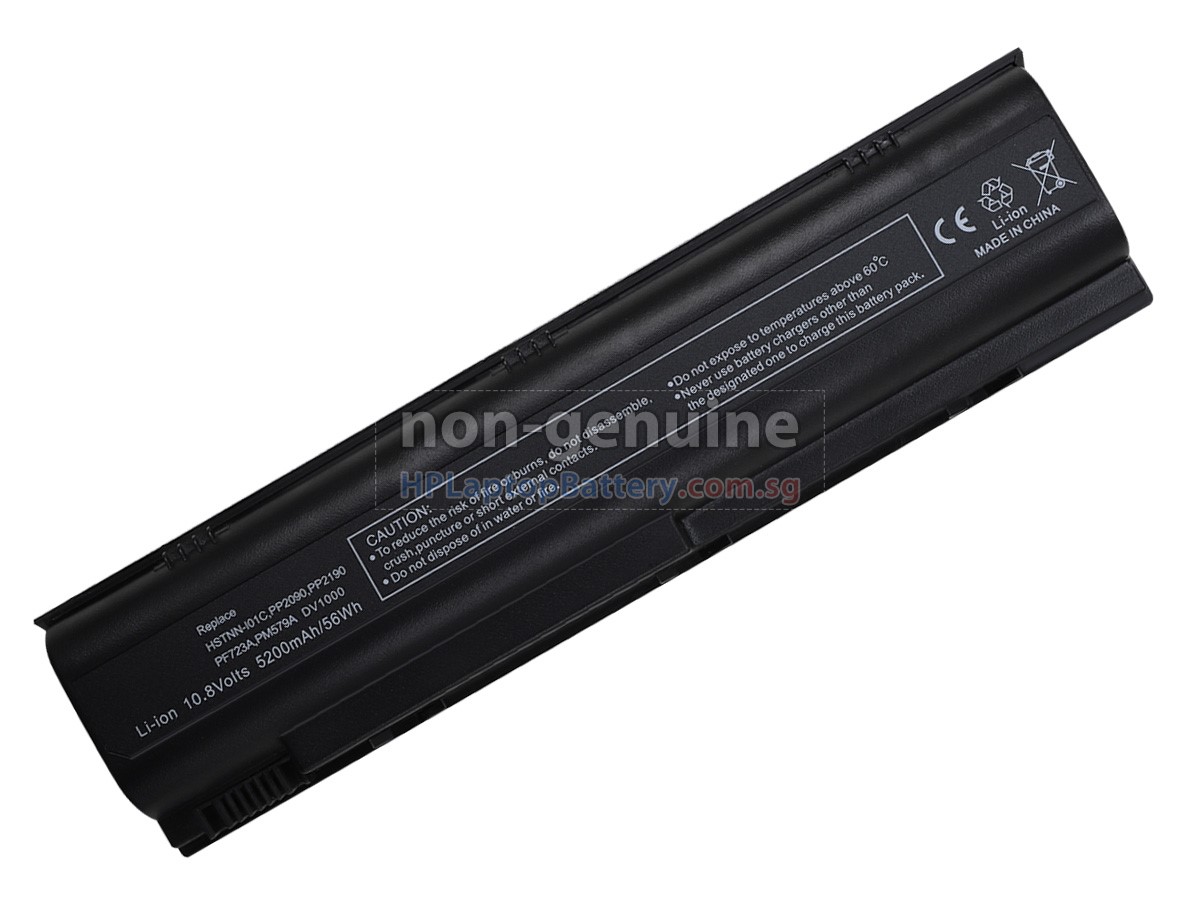
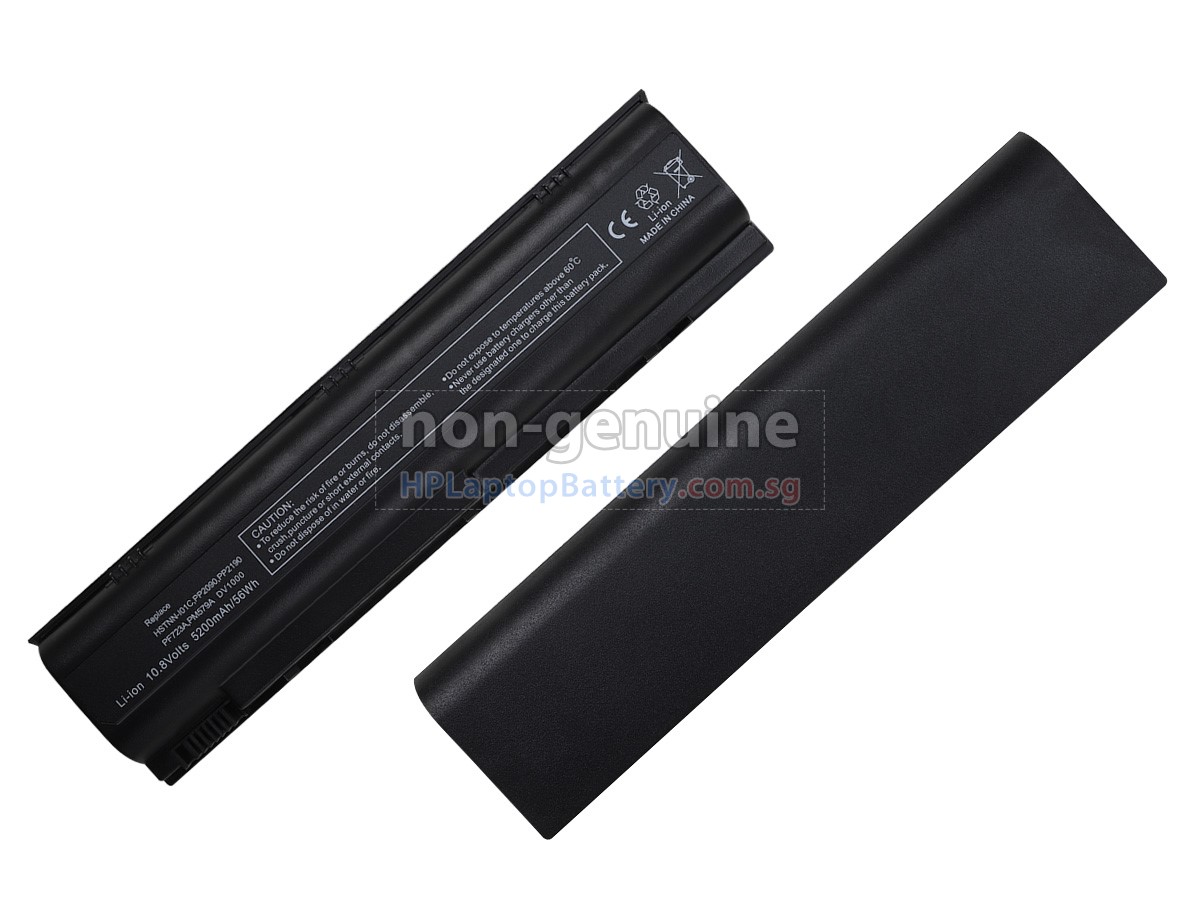
High Quality Battery for Compaq Presario M2028AP (5200mAh, 6 cells)
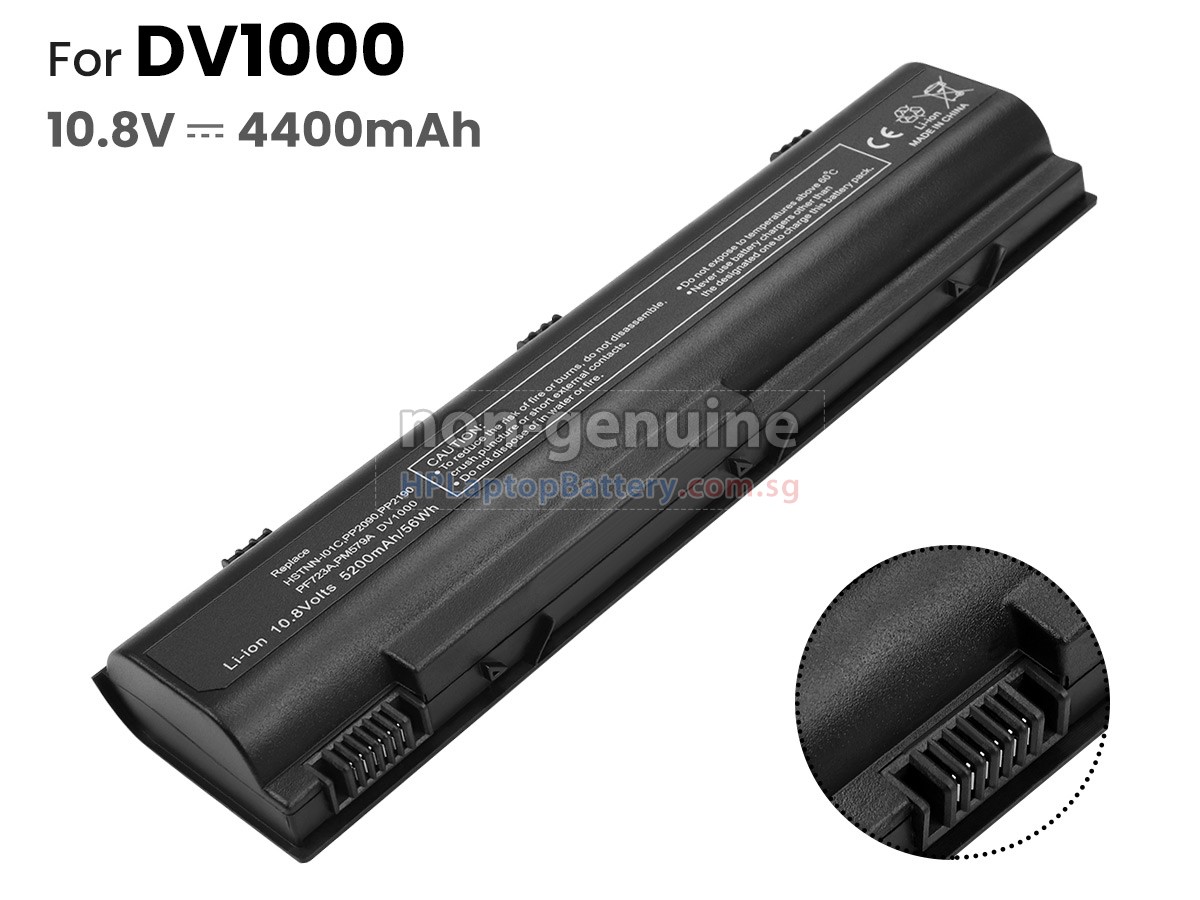
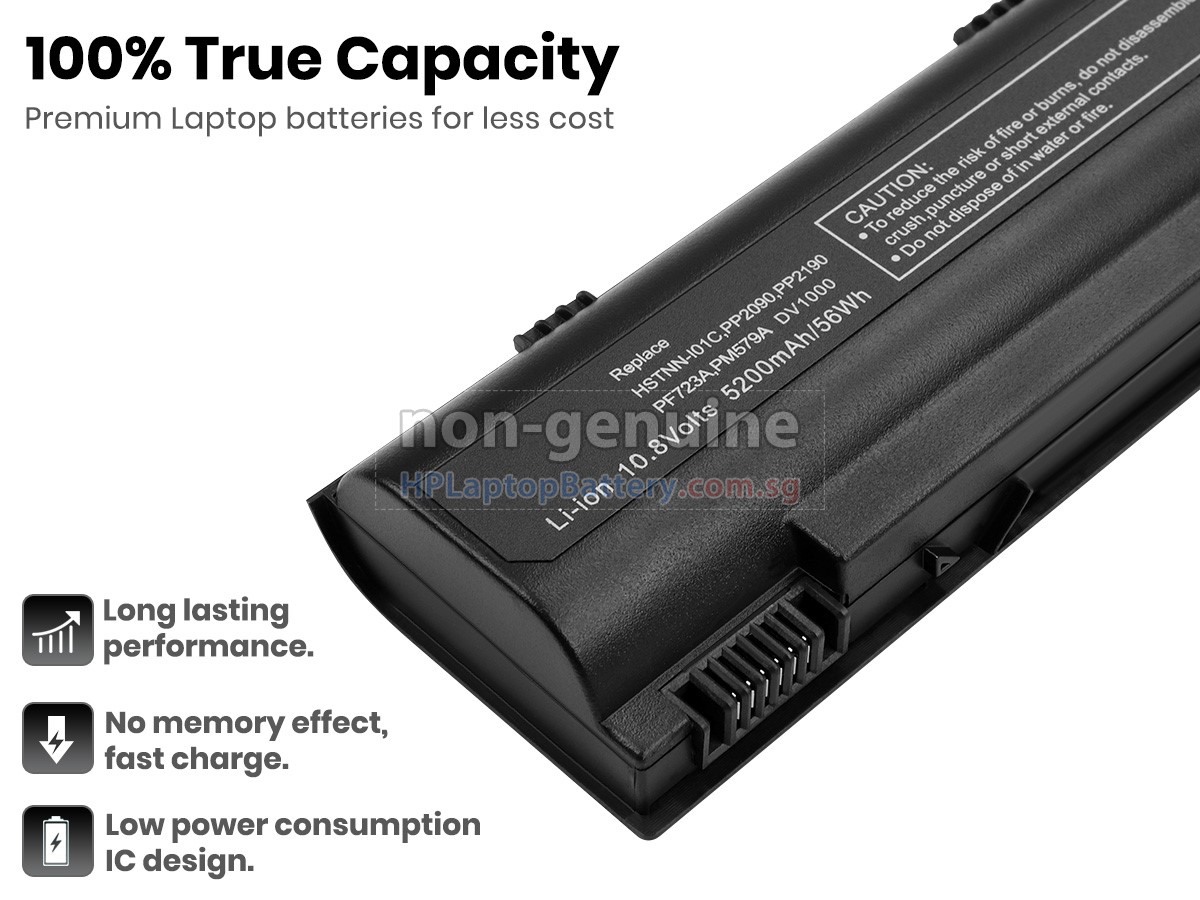
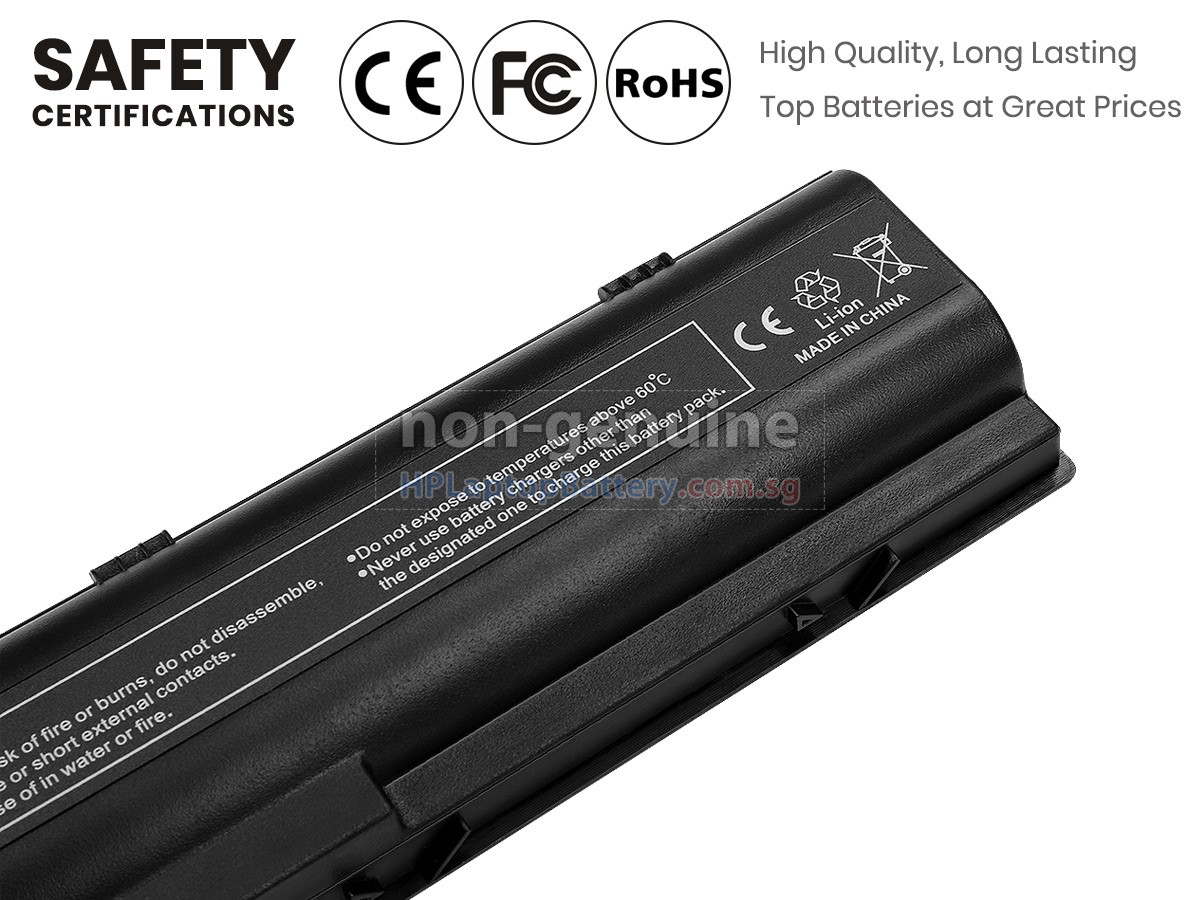
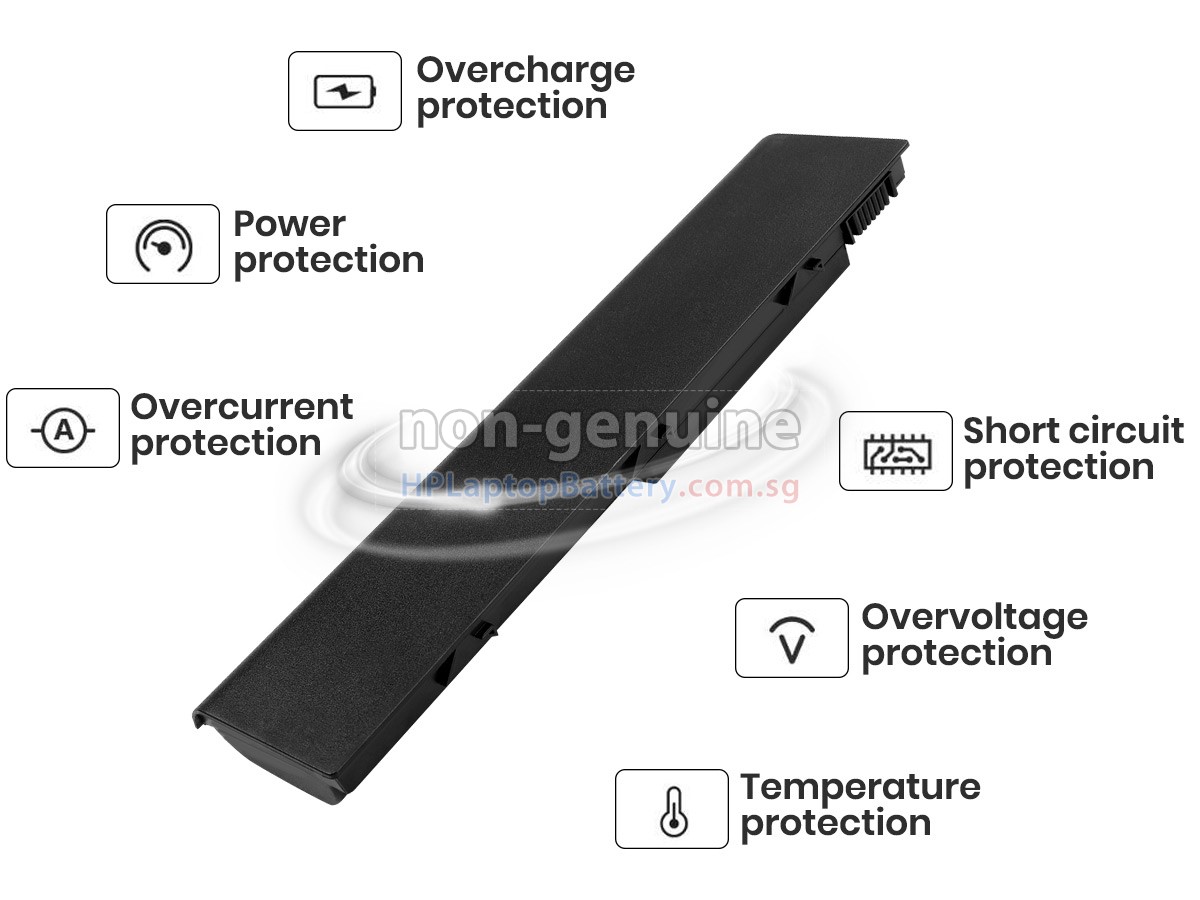

Product Larger Images
Compatible Compaq Battery Part Number
- 361855-003
- 361855-004
- 361856-003
- 367760-001
- 367769-001
- 383492-001
- 394275-001
- 395751-001
- 395751-142
- 395751-542
- 396601-001
- 396603-001
- 398752-001
- 398832-001
- 407835-001
- 916C4430
- EG414AA
- EG415AA
- HSTNN-DB17
- HSTNN-LB09
- HSTNN-LB17
- HSTNN-MB09
- PB995A
- PF723A
Compatible Compaq Laptop Model Name
- Presario M2028ap
- G5040EA
- Pavilion DV1007AP
- Pavilion DV1620TN
- Pavilion DV1672EA
- Pavilion DV1727TU
- Pavilion DV4020EA
- Pavilion DV4112AP
- Pavilion DV4126EA
- Pavilion DV4148EA
- Pavilion DV5119EU
- Pavilion DV5123CL
- Pavilion DV5157EU
- Pavilion DV5243EA
- Pavilion DV5270EA
- Pavilion ZE2020EA
- Pavilion ZE2104EA
- Presario C567TU
- Presario M2242AP
- Presario M2251AU
- Presario M2302EA
- Presario V2036AP
- Presario V2210US
- Presario V2339AP
- Presario V5242TU
Shipping Methods
Payment Methods
| We Accept Payment Methods | |
| PayPal |  Payments by PayPal, NO PayPal Account required. |
| PayNow |   You can use the above Bank App to scan the QR Code for payment. |
| GrabPay |  You will be redirected to Grab website, log into your account for payment. |
Warranty
1-Year Warranty
All our high quality replacement batteries for Compaq Presario M2028AP notebook come with a 1-year warranty. Warranty is applicable if the buyer has installed the battery properly in the device and has treated the battery correctly.
30-Day Money Back Guarantee
Our goal is to turn customer satisfaction into ‘Complete Customer Satisfaction’. That's why we offer you a 30-day money back guarantee, on top of our warranty and RMA procedure for defects!
Please note: in order to qualify to get your money back, you must first contact us and await instructions before sending back your product.
Returns
If you have a problem with one battery which bought from us, please contact us first. We will process your request and try to find a solution for your problem. If the problem cannot be fixed by our technical support engineer, we will generate an RMA number (Return Material Authorization) for you. If inspection concludes that the returned battery is defective, a new battery will be shipped out without extra charge.
Please note: we cannot process returned batteries if you have not yet received an RMA number.
FAQs
A: First, find out the part number of your old battery or the model name of your laptop (e.g. 'Compaq Presario M2028AP') and match with our product compatibility table. Second, please compare the old battery with our product images to make sure their shapes are the same. Lastly, check the voltage (rating) is the same as the old one. For more details please click How to find one correct battery for my laptop?
A: 100% OEM compatible to ensure compliance with your original Compaq Presario M2028AP battery specifications (the same size, high quality). All of our laptop batteries for Compaq Presario M2028AP have passed international certifications (CE, UL, ROHS, ISO9001 / 9002).
A: New Compaq Presario M2028AP battery pack is usually shipped in a partially charged state. Please discharge your new Compaq Presario M2028AP battery pack to 10%-20% and charge it for 3-5 times to fully activate the battery to the maximum rated capacity. In the using process, do not use it less than 20% of the electricity before charging. In addition, if the battery is not used for a long time, please charge it once a month, and keep the remaining power in about 50% then store in a dry and cool environment.
A: 1. Turn your Compaq laptop over.
2. Find the laptop battery release button lock for your laptop.
3. Now your Compaq Presario M2028AP laptop battery is unlocked, locate the battery release button.
4. Press the laptop battery release button, gently pull the battery out of the laptop.
5. Now your Presario M2028AP battery has been removed, please install the replacement Compaq Presario M2028AP battery.
6. Insert the battery into the slot. Push your Compaq Presario M2028AP battery to the laptop and secure it in place.