High Quality Adapter for HP Elite x360 1040 14 inch G10 2-in-1 (65W)
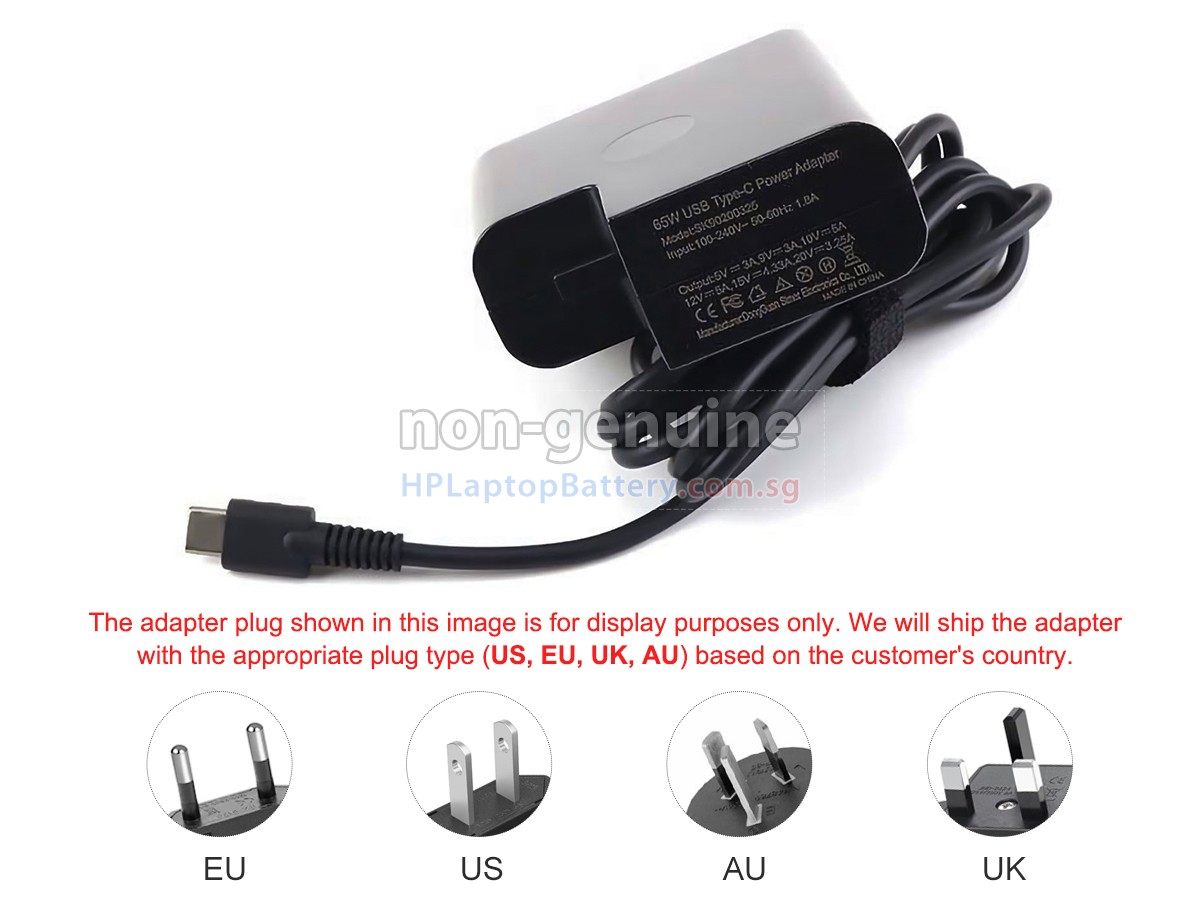
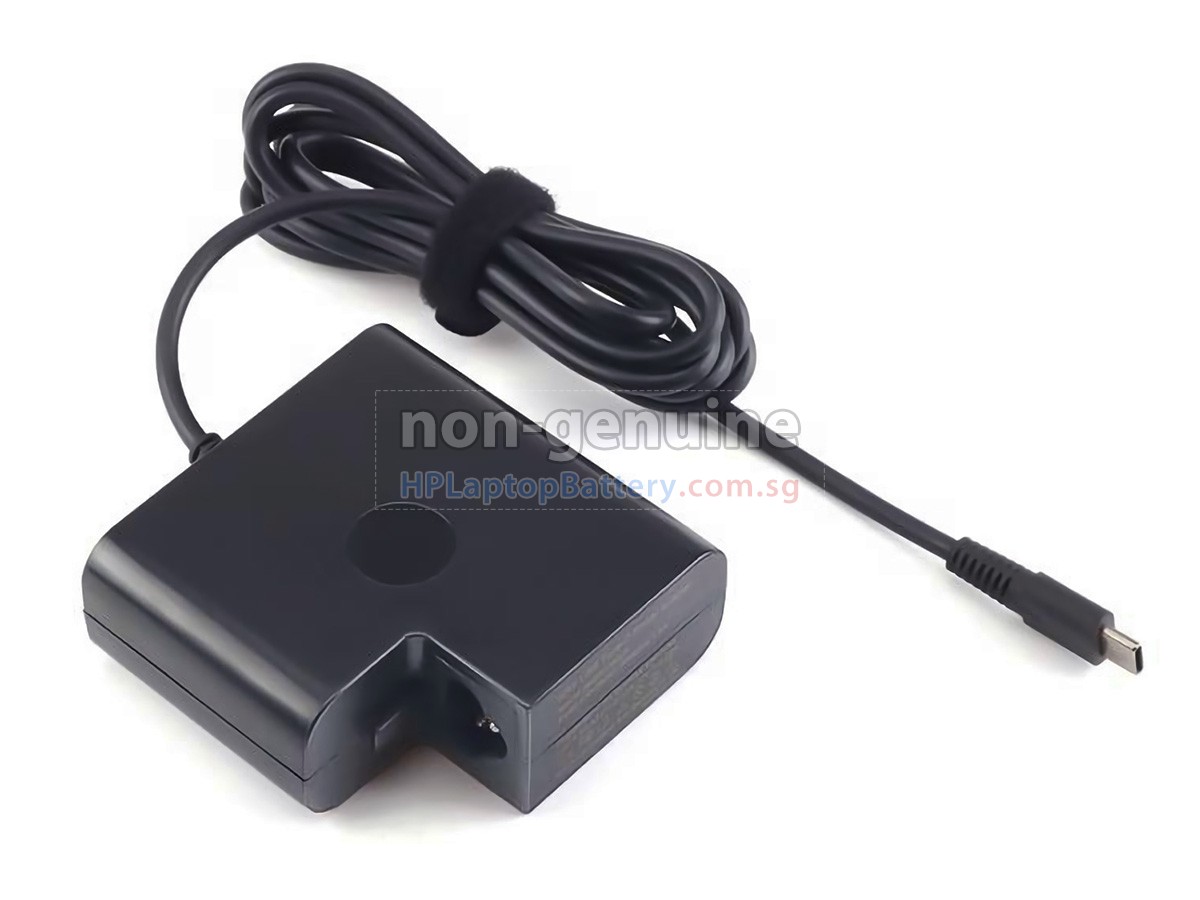
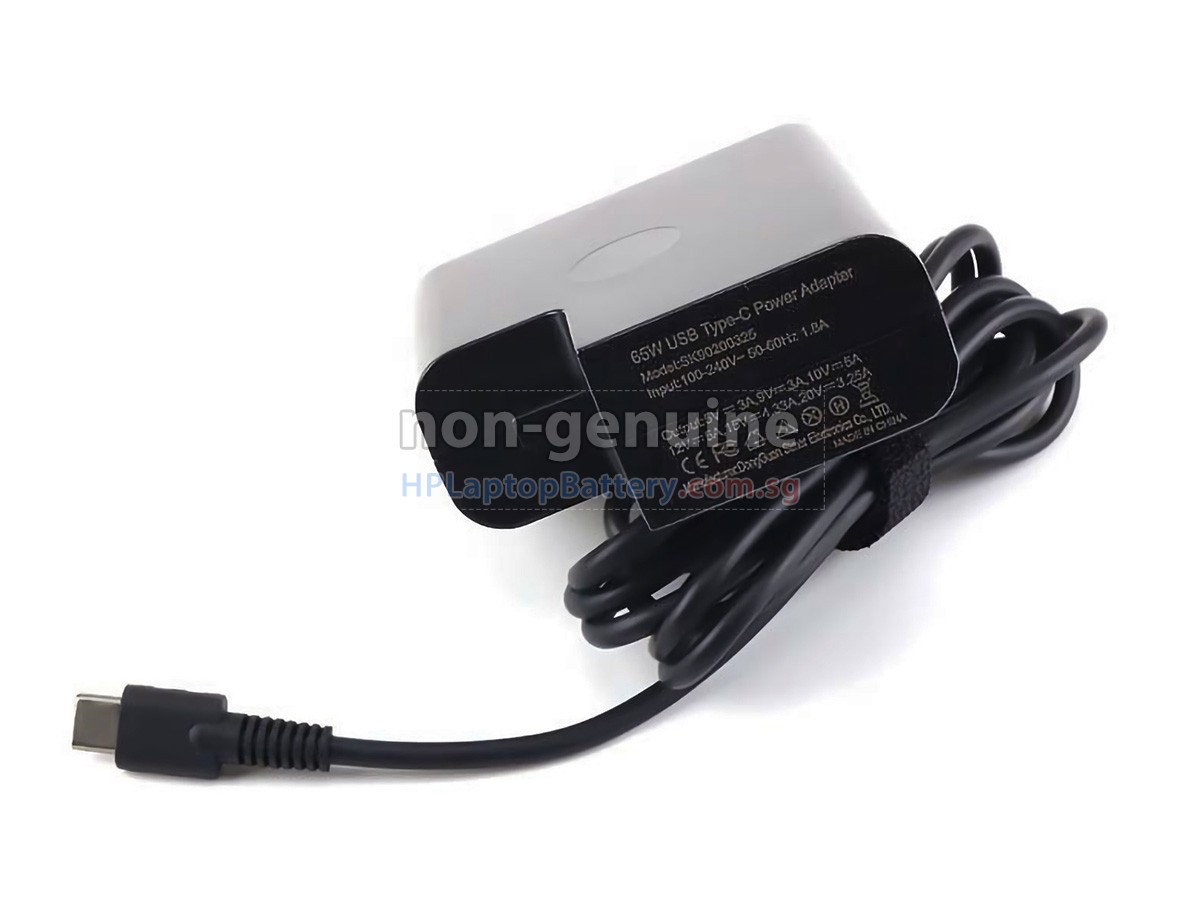
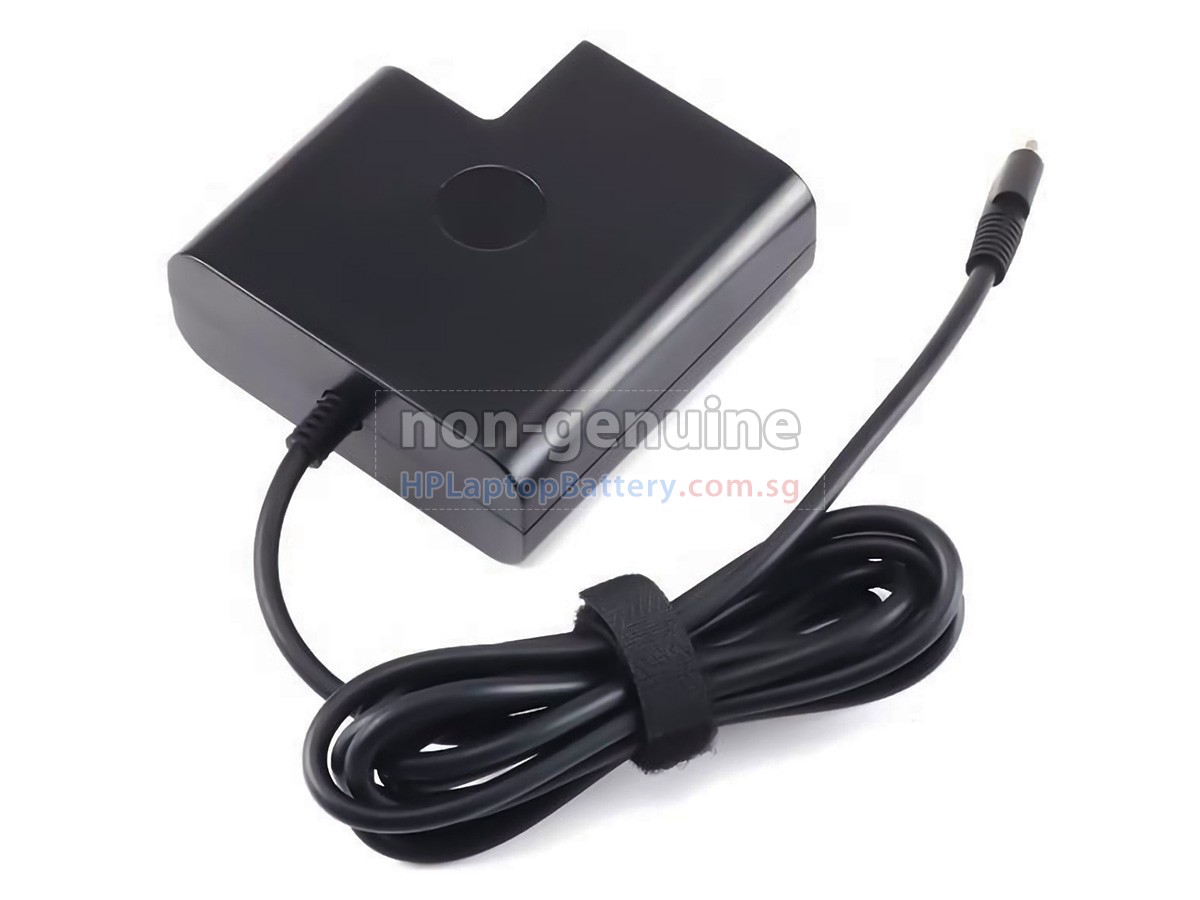
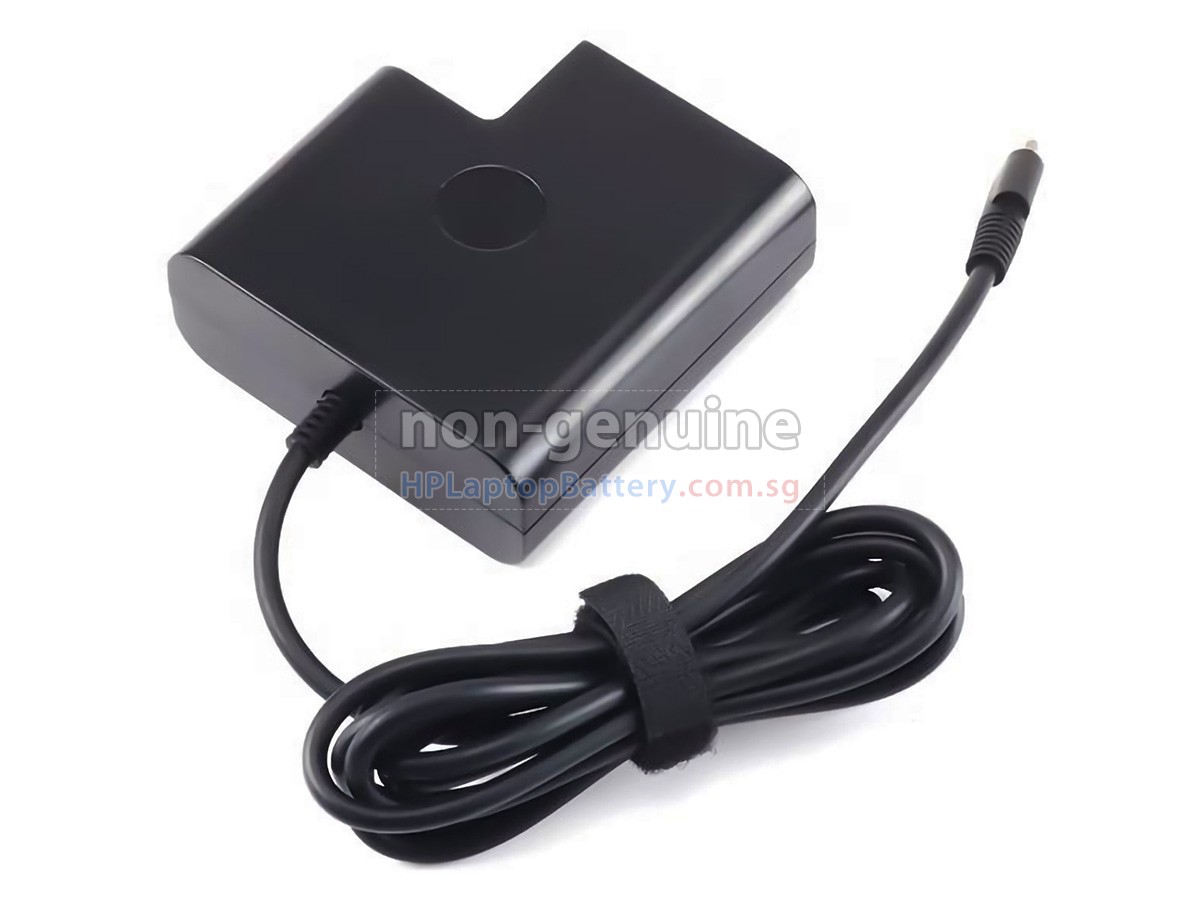
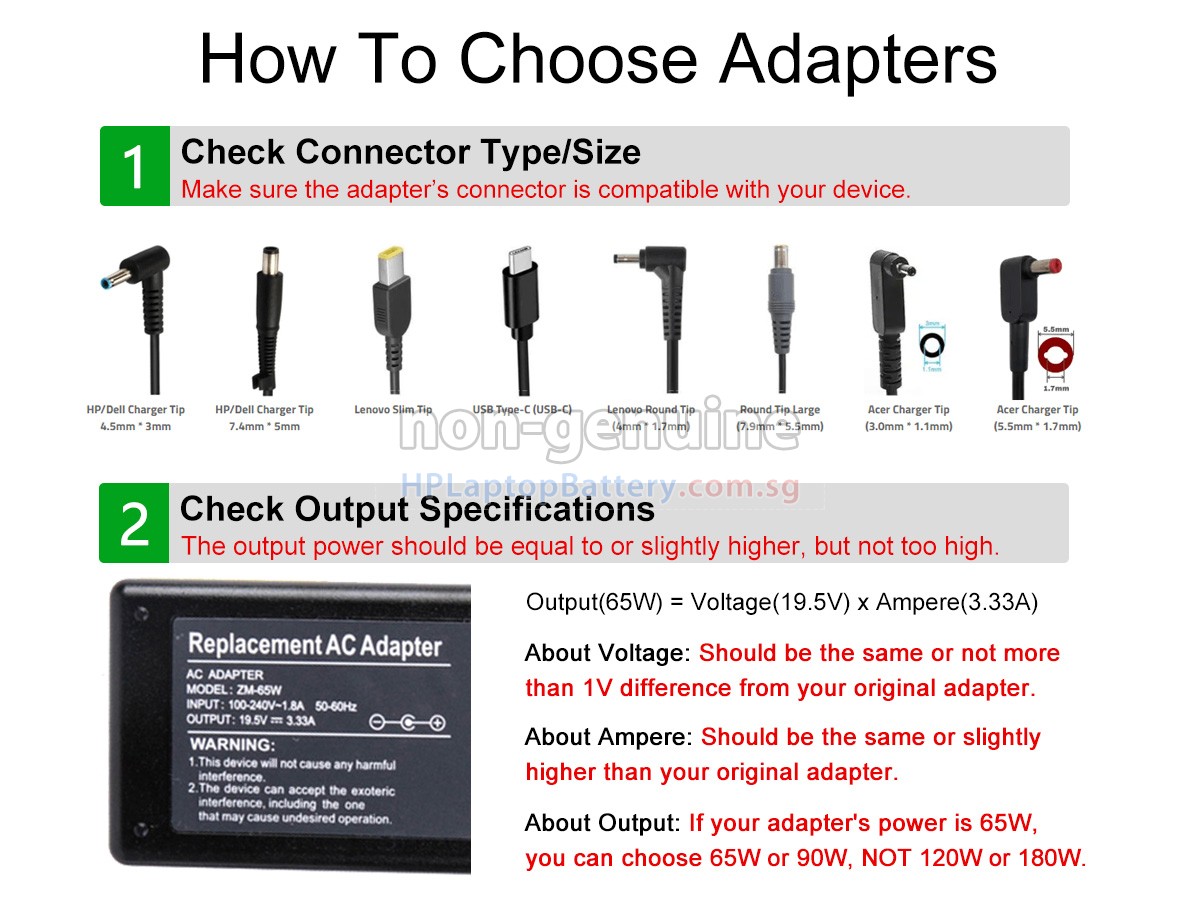
 One adapter model may fit various interfaces. Please ensure your interface shape and size are consistent with the images.
- SKUSGHAD351
- ConditionReplacement, Brand New
- Input100-240V~1.8A 50/60Hz
- OutPut20V-3.25A
- Power65W
- ConnectorUSB-C
- Warranty1 Year
- AvailabilityIn Stock
High Quality Adapter for HP Elite x360 1040 14 inch G10 2-in-1 (90W)
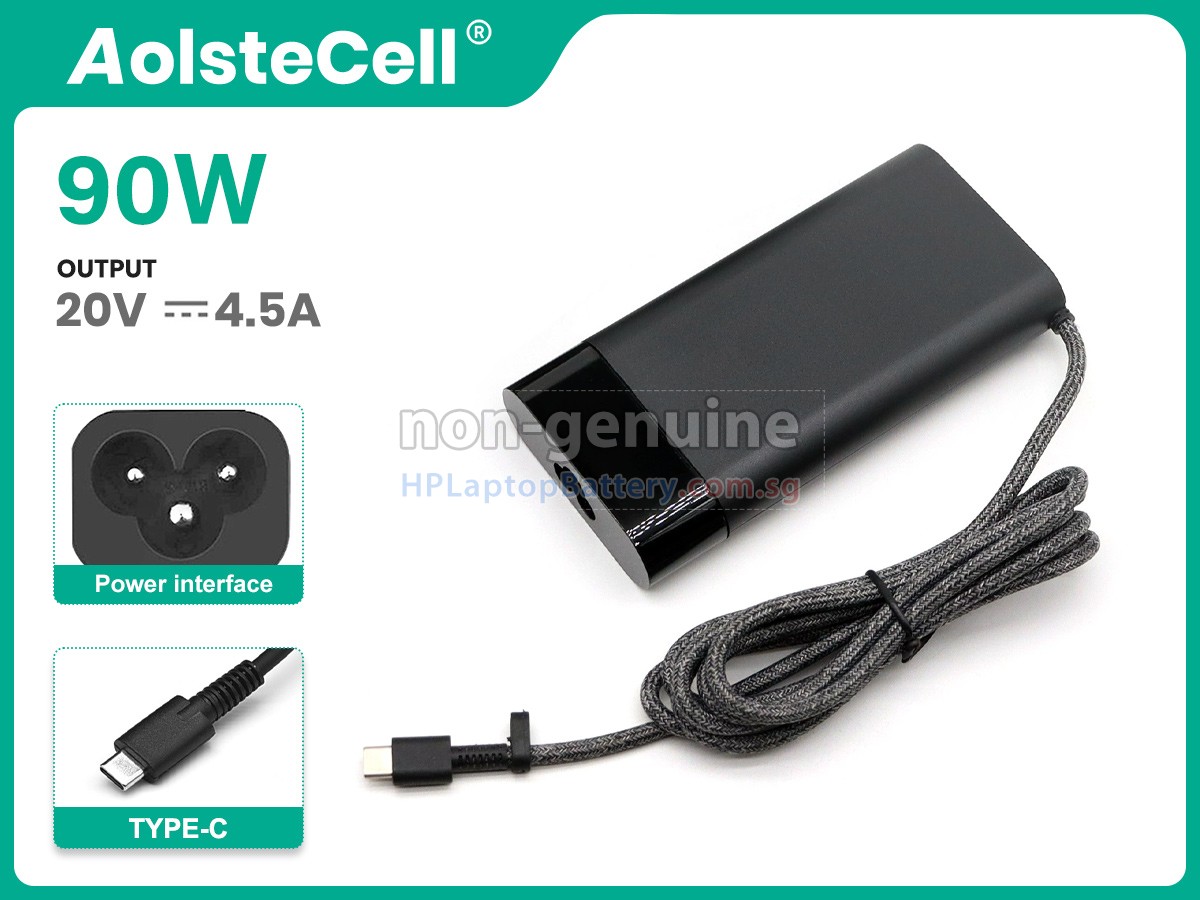
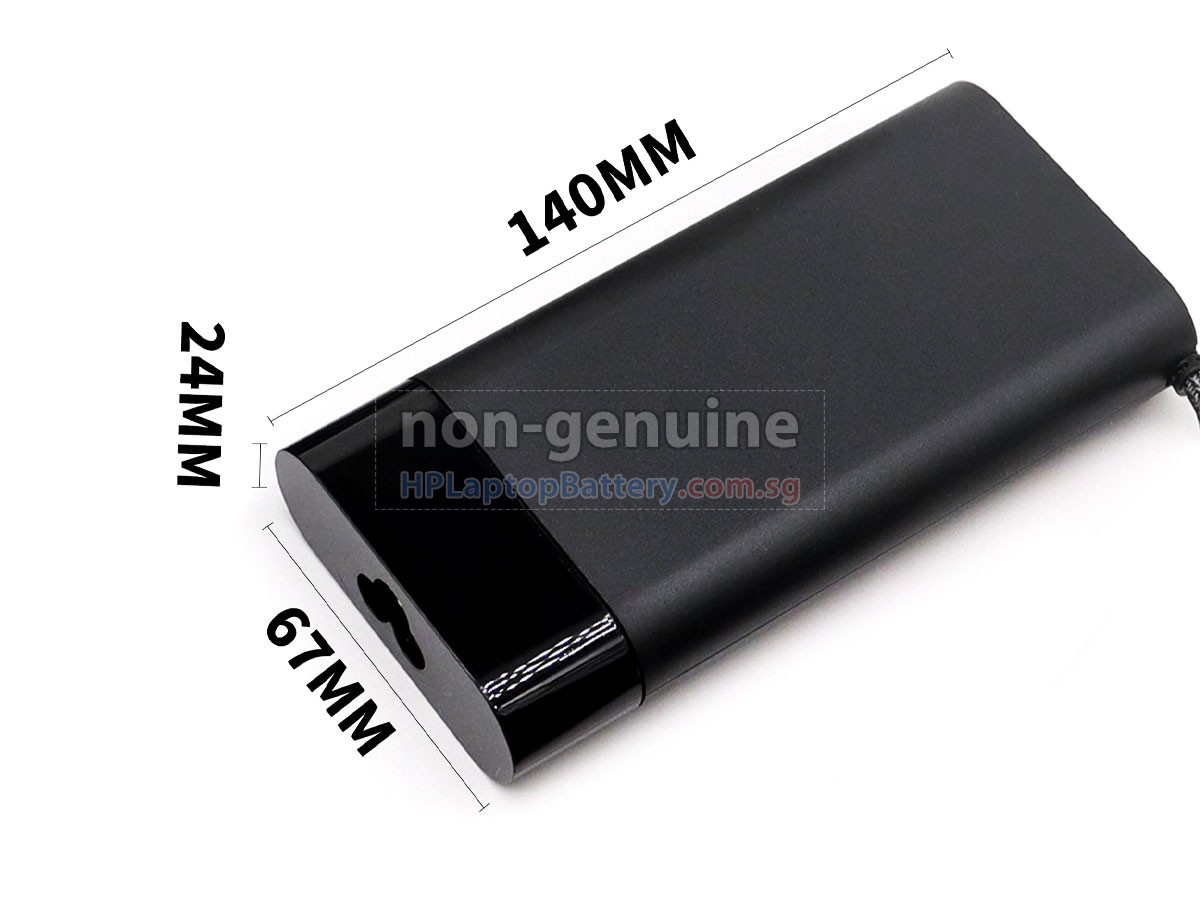
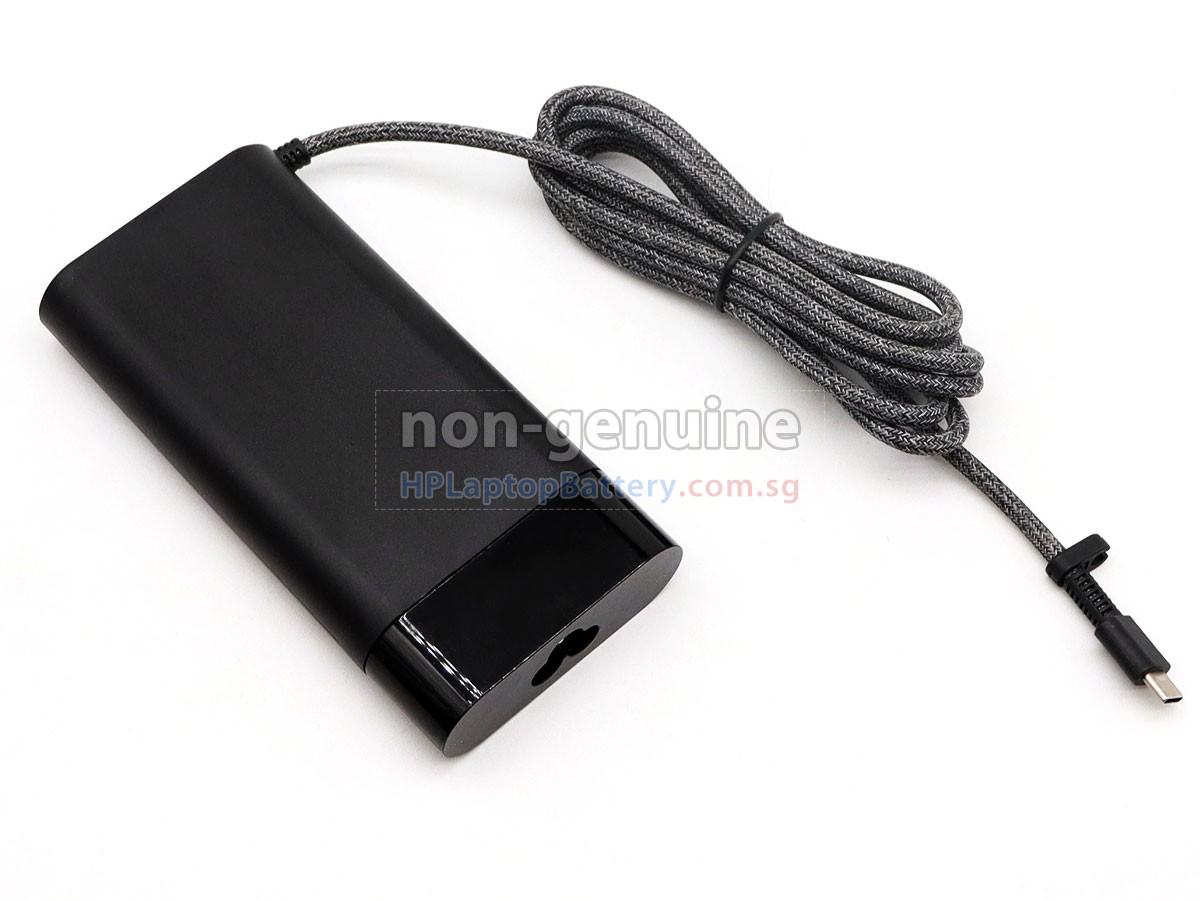
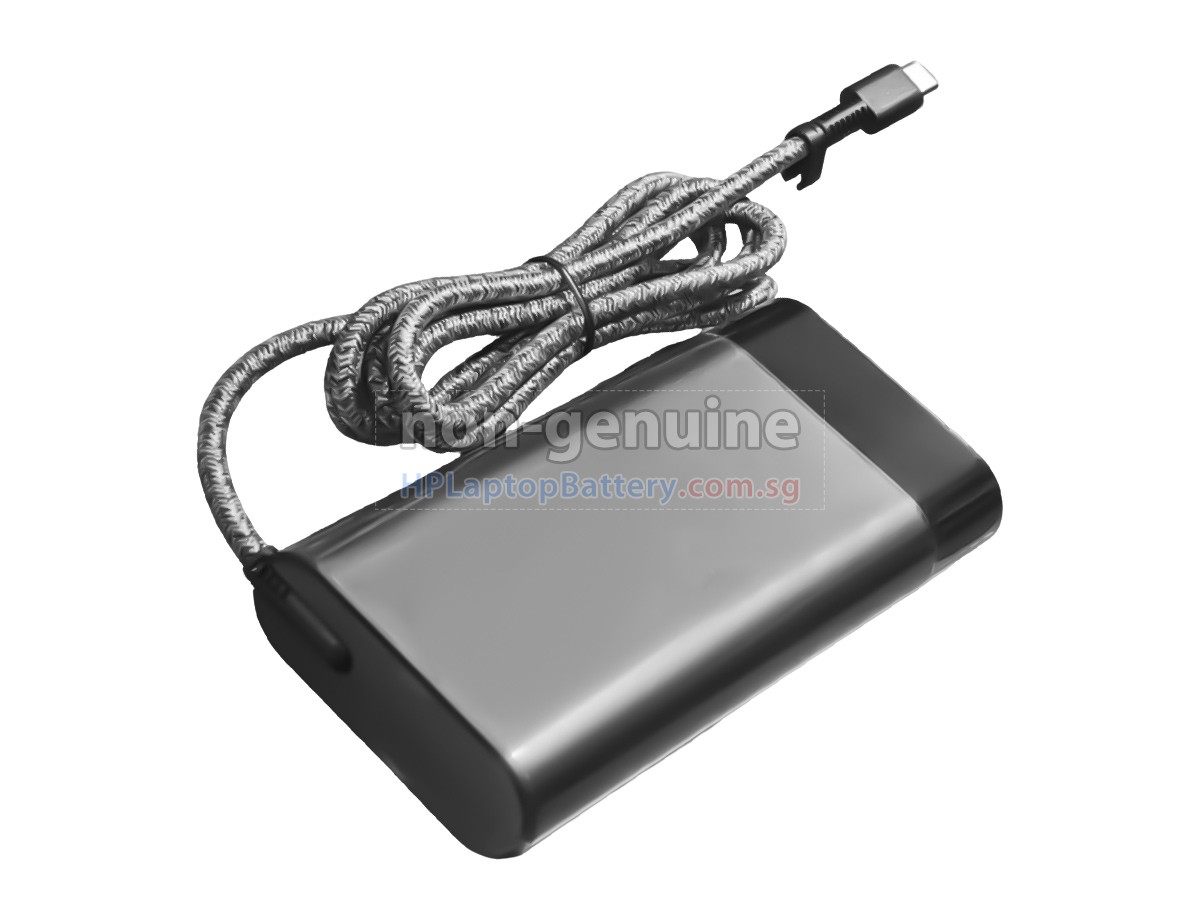 One adapter model may fit various interfaces. Please ensure your interface shape and size are consistent with the images.
- SKUSGHAD398
- ConditionReplacement, Brand New
- Input100-240V~1.1A 50/60Hz
- OutPut20V-4.5A
- Power90W
- ConnectorUSB-C
- Warranty1 Year
- AvailabilityIn Stock
Compatible Adapter Part Number
Compatible Laptop Model Name
- Elite x360 1040 14 inch G10 2-in-1
- ZBook Firefly 14 inch G9 Mobile Workstation
- ProBook 465 16 inch G11
- EliteBook x360 1040 G8
- Dragonfly Folio 13.5 inch G3 2-in-1
- EliteBook x360 1030 G7
- ZBook Firefly 14 inch G11 A Mobile Workstation
- ZHAN 14 inch G6
- EliteBook 830 G8
- EliteBook 855 G7
- EliteBook 655 15.6 inch G10
- Chromebook x360 13c-ca0000
- ZHAN 66 Pro A 14 G4
- EliteBook 835 13 inch G10
- Elite x360 1040 14 inch G9 2-in-1
- EliteBook x360 1040 G6
Shipping Methods
Payment Methods
| We Accept Payment Methods | |
| PayPal |  Payments by PayPal, NO PayPal Account required. |
| PayNow |   You can use the above Bank App to scan the QR Code for payment. |
| GrabPay |  You will be redirected to Grab website, log into your account for payment. |
Warranty
1-Year Warranty
All our high quality replacement adapters for HP Elite x360 1040 14 inch G10 2-in-1 come with a 1-year warranty. Warranty is applicable if the buyer has installed the adapter properly in the device and has treated the adapter correctly.
30-Day Money Back Guarantee
Our goal is to turn customer satisfaction into ‘Complete Customer Satisfaction’. That's why we offer you a 30-day money back guarantee, on top of our warranty and RMA procedure for defects!
Please note: in order to qualify to get your money back, you must first contact us and await instructions before sending back your product.
Returns
If you have a problem with one adapter which bought from us, please contact us first. We will process your request and try to find a solution for your problem. If the problem cannot be fixed by our technical support engineer, we will generate an RMA number (Return Material Authorization) for you. If inspection concludes that the returned adapter is defective, a new adapter will be shipped out without extra charge.
Please note: we cannot process returned adapters if you have not yet received an RMA number.
FAQs
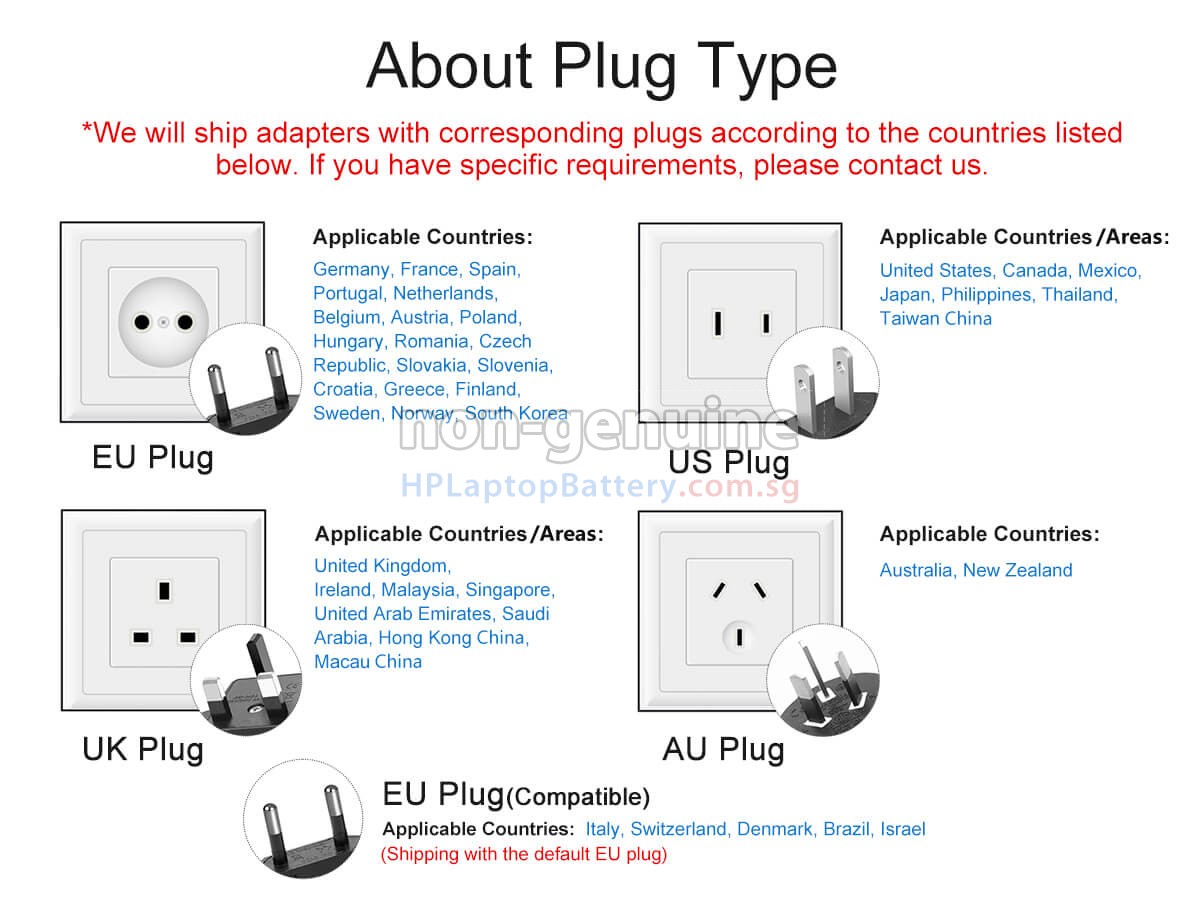
A: Our HP Elite x360 1040 14 inch G10 2-in-1 adapters support a wide voltage range (100-240V), making them suitable for use worldwide. If you plan to use it while traveling abroad, please ensure you have the appropriate plug adapter for the country or region you are visiting.
A: While using the HP Elite x360 1040 14 inch G10 2-in-1 replacement adapter, make sure it is kept away from water sources and high-temperature environments. Avoid placing the cable near sharp objects or under heavy pressure to prevent damage. Additionally, we do not recommend prolonged use under heavy load to ensure optimal performance and extend the adapter's lifespan.
A: 1. Check your original HP Elite x360 1040 14 inch G10 2-in-1 adapter's specifications: Locate the relevant information on your original laptop adapter, including input voltage (AC voltage), output voltage, output current (or power), and connector type (e.g., round DC connector, USB-C). This information is usually printed on the adapter itself or in the accompanying user manual.
2. Match voltage and current/power: Select an adapter with output voltage and current (or power) that matches or is compatible with your original adapter's specifications. The voltage must match exactly, while the current (or power) can be slightly higher but should not be lower to ensure charging efficiency and device safety.
3. Confirm the connector type: Make sure the chosen adapter’s connector fits your laptop’s charging port.